Static ads for Meta are single image ads that run in Facebook and Instagram feeds, Stories and Reels, and Meta's Ads Guide recommends a 4:5 image at 1440 x 1800 pixels for the feed and a 9:16 image at 1440 x 2560 pixels for Stories and Reels, as JPG or PNG up to 30 MB. The fastest way to make them today is to keep a real product photo, generate the scene around it with an AI image model, and add the offer text as a separate layer, so you can produce many variants without losing product accuracy.
Key Takeaways
- Build every static in two master sizes, 4:5 for feeds and 9:16 for Stories and Reels, and keep text and logos out of the top 14%, bottom 35% and side 6% of the vertical version.
- Use AI image models for scenes, backgrounds and props, and keep the product itself from a real photograph, because models redraw labels, logos and packaging details.
- Test statics by changing one idea at a time (angle, hook line, visual), not by making ten near copies of the same image.
If you would rather hand the production over, Adsome makes performance image and video ads from your real product.
What is a static ad on Meta?
A static ad is an ad made of one still image, a primary text above it, a headline and a call to action button. In Ads Manager it is the "single image" format. It sits next to video, carousel and collection formats, and Meta can show the same static in Facebook Feed, Instagram Feed, Stories, Reels, Marketplace, the right column and the Audience Network, depending on the placements you allow.
Statics matter for two plain reasons. They are quick and cheap to produce compared with video, so you can test more ideas per week. And a good static says the whole offer in one glance, which is exactly what a thumb scrolling past at speed gives you.
Meta image specs to design for
Meta changes its recommended sizes from time to time, so check the Meta Ads Guide for image ads before a big production run. These are the numbers the guide gives at the time of writing.
| Placement | Aspect ratio | Recommended size | Text safe area | Notes |
|---|---|---|---|---|
| Facebook and Instagram Feed | 4:5 | 1440 x 1800 px | Whole frame, keep edges calm | JPG or PNG, up to 30 MB |
| Stories and Reels | 9:16 | 1440 x 2560 px | Leave top 14%, bottom 35%, sides 6% free | Profile name and CTA sit over the image |
| Facebook Right Column | 1:1 | At least 1080 x 1080 px | Avoid text | Desktop only, shown very small |
| Carousel cards | 1:1 or 4:5 | 1024 x 1024 or 1080 x 1350 px | Per card | 2 to 10 cards |
The Stories and Reels safe area comes from Meta's Instagram Reels image spec page, which suggests keeping roughly 14% of the top, 35% of the bottom and 6% of each side free from text, logos and key creative. On a 1440 x 2560 canvas that is about 358 pixels at the top, 896 pixels at the bottom and 86 pixels on each side.
The old rule that limited text to 20% of the image is no longer enforced, but small text still reads badly on a phone. Treat it as a design limit rather than a policy limit: one headline, one supporting line, and a price or offer if you have one.
How to make static ads for Meta with AI image models
This is a baseline workflow. It assumes you have a clean product photo and a short brief with the angle you want to test.
- Write the angle in one sentence. For example: "For people who hate ironing, this shirt comes out of the dryer ready to wear." Every later choice serves that sentence.
- Pick the hook line that will go on the image. Keep it under about eight words so it reads at feed speed.
- Choose the visual type: product on a styled background, product in use, before and after, a comparison against the old way, or a customer review card.
- Shoot or pick the product photo. Use a well lit, sharp image with a clean cut out, ideally on a plain background so it separates easily.
- Remove the background from the product photo and save it as a transparent PNG. Our guide to removing and replacing backgrounds with AI for ads covers the tools and the edge clean up.
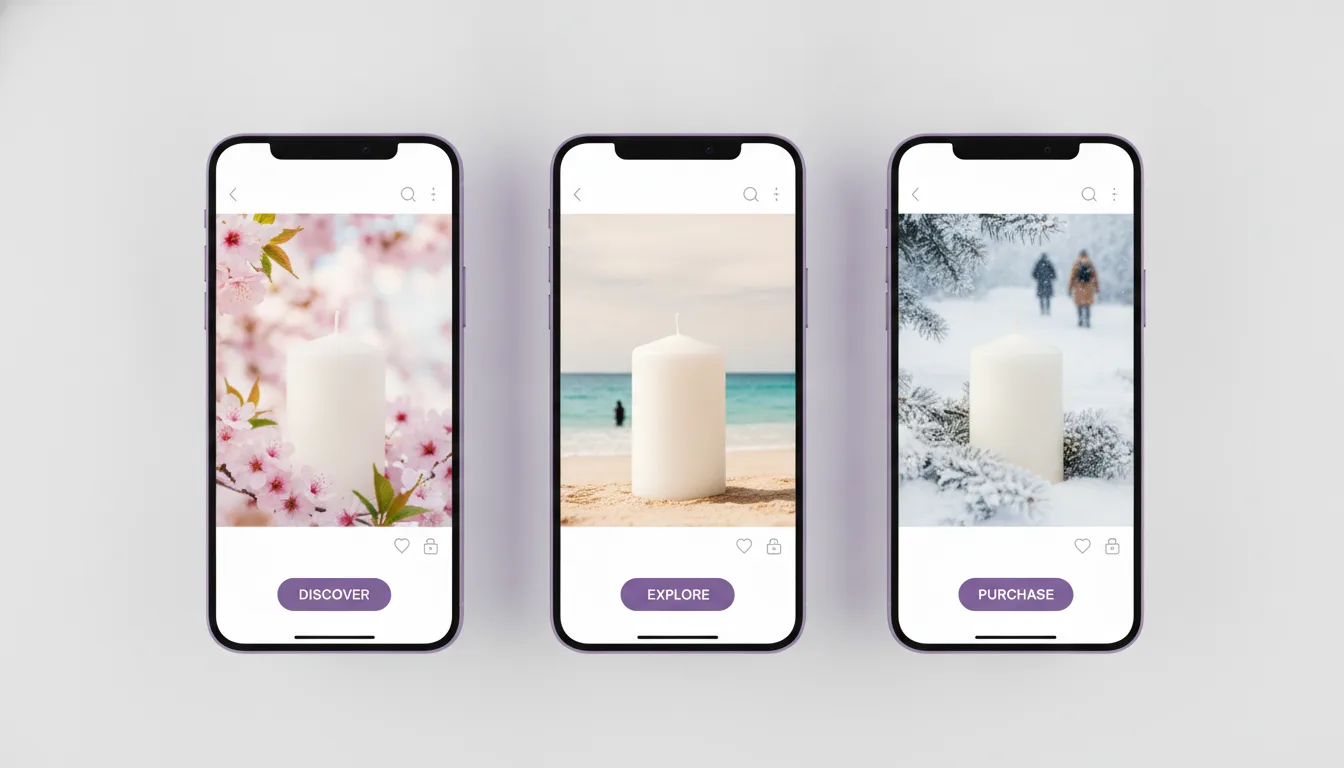
- Generate the scene with an AI image model. Describe the setting, light direction, camera height and mood, and leave empty space where the text will go. Generate in 9:16 or larger so you can crop to 4:5 later without losing the subject.
- Place the real product into the scene and match the light. Use an image editing model or reference image input to blend shadows and reflections, then check that the label, logo and colours match the original photo exactly.
- Add the text in a design tool, not in the model. Set the hook line, the supporting line and the offer as live text layers so you can change them per variant.
- Export the two masters: 1440 x 1800 for feeds and 1440 x 2560 for Stories and Reels, with the text inside the safe area on the vertical version.
- Preview every placement in Ads Manager before publishing, and switch off any automatic placement that crops the image badly.
- Launch the variants in one ad set so Meta's delivery system can compare them on the same audience and budget.
Which AI image model to use for which job
Different models are good at different parts of a static. Nothing here needs one specific tool, but the split below saves time.
| Job in the static | What to look for in a model | Examples to try |
|---|---|---|
| Scene and background | Photoreal light, control over composition and aspect ratio | FLUX, GPT Image, Nano Banana |
| Placing the real product into a scene | Image editing with a reference image, keeps the input product intact | FLUX Kontext, Nano Banana, GPT Image editing |
| Text as part of the artwork | Reliable spelling inside the image | Ideogram, GPT Image |
| Many seasonal or colour variants | Fast, cheap generations from one base image | FLUX Schnell or another fast tier |
For a deeper ranking by ad type, see our comparison of the best AI image models for Facebook and Instagram ads. If you want text rendered inside the image rather than as a separate layer, the Ideogram tutorial for ad creatives shows how to prompt for it.
Pricing for these tools is structured as monthly plans with a set number of credits or images, or as pay per image through an API, with higher resolutions and editing features costing more per generation. Prices change often, so check each provider's own pricing page before you budget a production run.
Static ad formats that work on Meta
A format is the layout idea behind the image. Having a short list stops every static from turning into a product on a beige background.
- Hero product shot. The product, large, in a setting that matches the buyer's life, with one benefit line. Best when the product looks good and the benefit is simple.
- Problem and fix. The frustration on one side, the product as the answer on the other. Best for products that solve a visible problem.
- Us versus them. A two column comparison of your product against the usual alternative, with three or four short rows. Best when you win on clear features.
- Review card. A real customer review, with star rating and first name only if you have permission, laid over a product image. Best for retargeting.
- Offer led. The price or discount is the hook. Best for sales periods and returning visitors.
- Feature callouts. The product in the middle with three or four labelled arrows pointing to features. Best for technical products.
Use only real reviews, real prices and claims you can back up. Meta's ad review and consumer protection rules both apply to what you write on the image.
How Advantage+ creative changes your statics
Advantage+ creative is Meta's set of automatic enhancements that can adjust your image and text when it is delivered. Meta's help page on creative enhancements lists changes such as brightness and contrast adjustments, filters, image expansion to fit other aspect ratios and generated text variations. You can switch each enhancement on or off at ad level.
Two practical points. First, image expansion and generated backgrounds can stretch or change the area around your product, so check the previews when they are on. Second, Meta labels ad images that were created or significantly edited with its own generative AI features, as explained in its page on how AI generated images in ads are labelled. Images you make with outside tools before upload are handled by Meta's general AI labelling rules, so keep the product itself real to avoid showing something the buyer will not receive.
Our working rule for AI statics
This is Adsome's own production rule, not a published benchmark. We treat the product as the one thing an AI model is not allowed to invent. The scene, the light, the props and the model's hands can all be generated, but the bottle, the label and the pack shot come from a real photograph, and we compare each final image against the source photo before it is exported.
The reason is simple. A static that shows a slightly different product than the one in the box creates returns and complaints, and it can break the trust that made the click happen. Image models are now good enough that the error is easy to miss on a laptop and obvious once the parcel arrives, so the check has to be part of the process rather than a final glance.
How to test static ads without wasting budget
Testing a static means changing one thing and letting Meta show the versions to the same audience. A simple structure:
- Pick one variable per round: the angle, the hook line, or the visual format.
- Make three to five variants of that one variable, keeping everything else fixed.
- Run them in one ad set so they share budget and audience.
- Judge on cost per purchase or cost per lead when there is enough data, and on click through rate only as an early signal.
- Keep the winner, then change the next variable around it.
Our AI creative testing framework for DTC brands goes further into how many variants to run and when to call a test.
Common Mistakes
- Letting the model draw the product. Labels, logos and pack colours drift, and buyers notice. Keep the real product photo.
- Text in the Reels danger zone. Putting the offer in the bottom third of a 9:16 image means the caption and button cover it.
- One size for every placement. A 1:1 image stretched into Stories looks like an afterthought. Export both 4:5 and 9:16 masters.
- Too many words on the image. If the hook takes more than a glance to read, it does not get read.
- Ten near identical variants. Changing only the background colour does not tell you anything. Change the idea.
- Invented proof. Fake reviews, made up "bestseller" badges and unverifiable numbers break Meta's ad policies and consumer law.
Need static ads made at scale? Adsome makes performance image and video ads from your real product.