Hailuo-02 from MiniMax is one of the strongest general-purpose AI video models available right now, producing 10-second clips with consistent motion, accurate physics, and notably good human rendering. This guide covers the actual workflow for getting production-quality output from Hailuo-02, including prompt structure, image-to-video setup, and where it fits relative to Kling 3.0, Runway Gen-4, and Veo 3.
What Is Hailuo-02 and What Can It Do?
Hailuo-02 is the current model from MiniMax (the company behind Hailuo AI). It supports text-to-video and image-to-video generation, outputting clips up to around 10 seconds at up to 1080p resolution. The model handles camera motion, subject consistency, and natural lighting better than most competitors in its generation tier.
What sets Hailuo-02 apart in practice is its motion coherence. Where other models introduce jitter or drift when subjects walk, turn, or interact with objects, Hailuo-02 tends to maintain clean trajectories. This matters for product ads where a hand reaches for a bottle, or a model turns toward camera wearing a garment.
How to Structure Prompts for Hailuo-02
Hailuo-02 responds well to detailed, sequential prompts that describe the scene, then the action, then the camera behavior. Vague prompts produce vague output. Here is the structure that works consistently:
Set the scene first. Describe the environment, lighting, and subject before any action starts. "A woman in a white linen shirt stands at a marble kitchen counter, soft morning light from the left" gives the model enough to anchor the scene.
Describe motion in temporal order. Write what happens step by step. "She picks up a ceramic mug, takes a sip, then looks toward the window" produces cleaner results than cramming multiple simultaneous actions into one sentence.
Specify camera movement explicitly. Hailuo-02 handles slow dolly, tracking, and static shots well. Add camera direction at the end of your prompt: "Camera slowly pushes in from medium shot to close-up." Avoid requesting fast pans or whip zooms, which tend to degrade output quality.
Include texture and material cues. The model renders materials more accurately when you name them. "Frosted glass bottle" gives better results than "bottle." "Matte black packaging" beats "dark box."
Keep prompts under 150 words. Beyond that length, Hailuo-02 starts ignoring later instructions. Front-load the elements that matter most.
How to Use Hailuo Image-to-Video for Product Ads
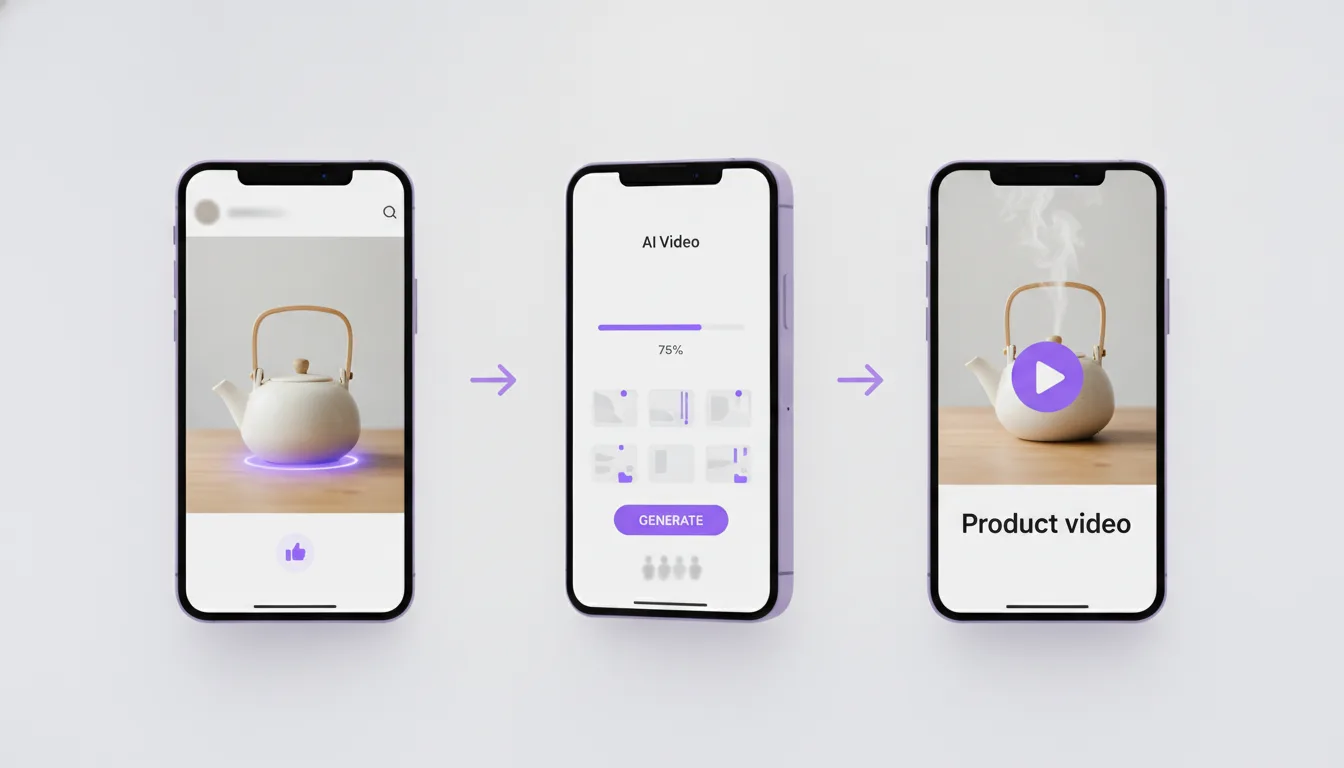
Image-to-video is where Hailuo-02 earns its place in ad production pipelines. You can feed it a product photo or a styled flat lay and get a clip with natural camera motion and consistent product appearance.
The workflow that produces reliable results:
Prepare a clean source image. High resolution, good lighting, minimal noise. Product photography shot on white or styled backgrounds both work. Avoid heavily composited images since the model sometimes misinterprets layered elements.
Write a prompt that describes movement, not the image itself. The model already sees the image. Your prompt should specify what happens next. "The camera slowly orbits the product, shallow depth of field, golden hour lighting" tells the model to animate around what it sees.
Generate 3-4 variations per concept. Hailuo-02 output varies between generations. The best clip from a batch of four is typically usable, while any single generation might have minor artifacts in the last 2-3 seconds.
Trim the last 1-2 seconds. Like most AI video models, Hailuo-02 sometimes introduces drift or subtle warping toward the end of a clip. For 15-second ad cuts, you are stitching multiple clips anyway, so trimming is standard practice.
Where Hailuo-02 Fits Against Kling 3.0, Gen-4, and Veo 3
| Feature | Hailuo-02 | Kling 3.0 | Runway Gen-4 | Veo 3 |
|---|---|---|---|---|
| Max duration | ~10s | ~10s (Master) | ~10s | ~8s |
| Human rendering | Strong | Strong | Good | Strong |
| Motion coherence | Best in class | Very good | Good | Very good |
| Image-to-video | Yes | Yes | Yes | Yes |
| Native audio | No | No | No | Yes |
| Camera control | Prompt-based | Prompt-based | Motion brush + prompt | Prompt-based |
Hailuo-02 wins on motion smoothness for medium-complexity scenes like a person interacting with a product. Kling 3.0 handles more dramatic camera moves and action. Runway Gen-4 offers finer control through its motion brush for precise animation paths. Veo 3 generates synchronized audio, which saves a post-production step for ads with ambient sound or dialogue.
For DTC product ads, Hailuo-02 is a strong first choice when you need clean, natural-looking footage of products in context. It struggles with complex multi-subject scenes (more than two people interacting) and rapid cuts within a single generation.
When to Skip Hailuo-02
Do not use Hailuo-02 for text rendering on packaging (it still garbles most lettering), extreme slow-motion effects, or scenes requiring precise hand-object interaction with small items like jewelry. For those use cases, Kling 3.0 or generating a still with FLUX Kontext and animating with a different model tends to produce better results.