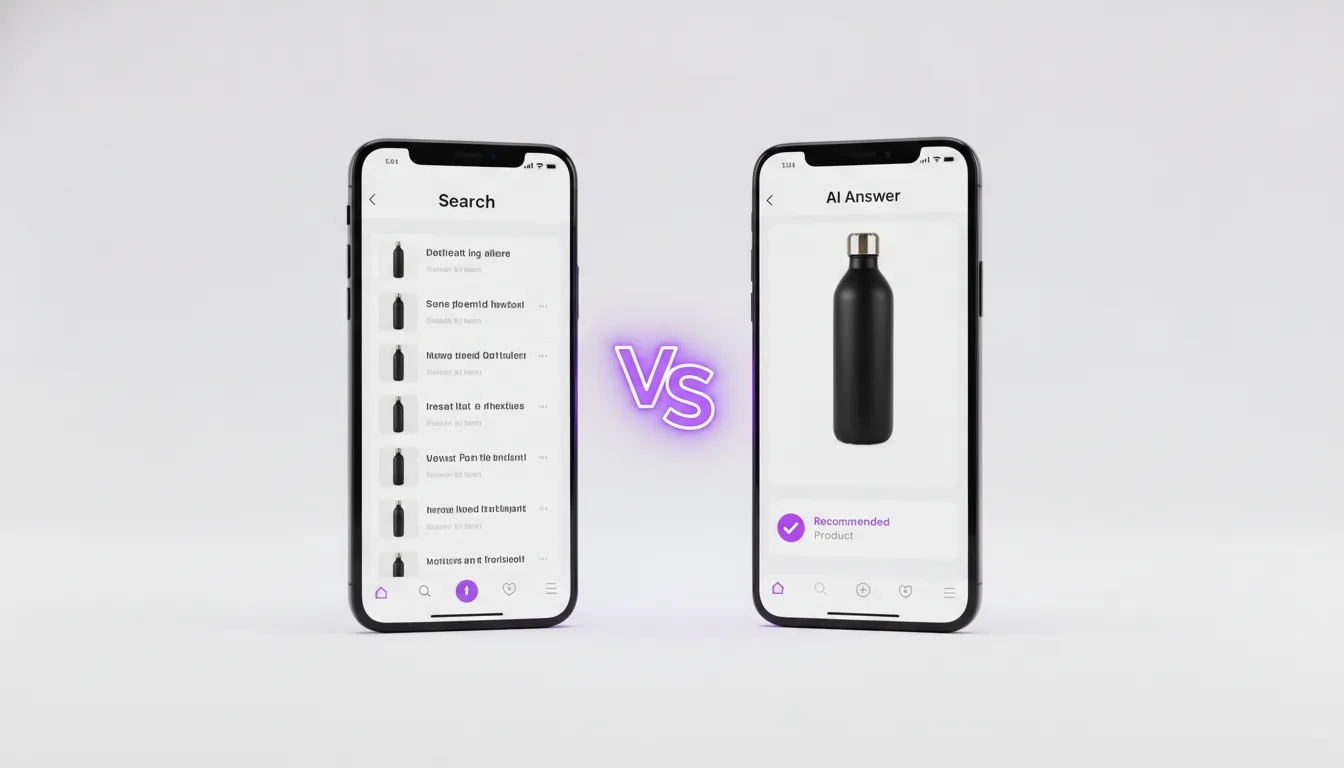
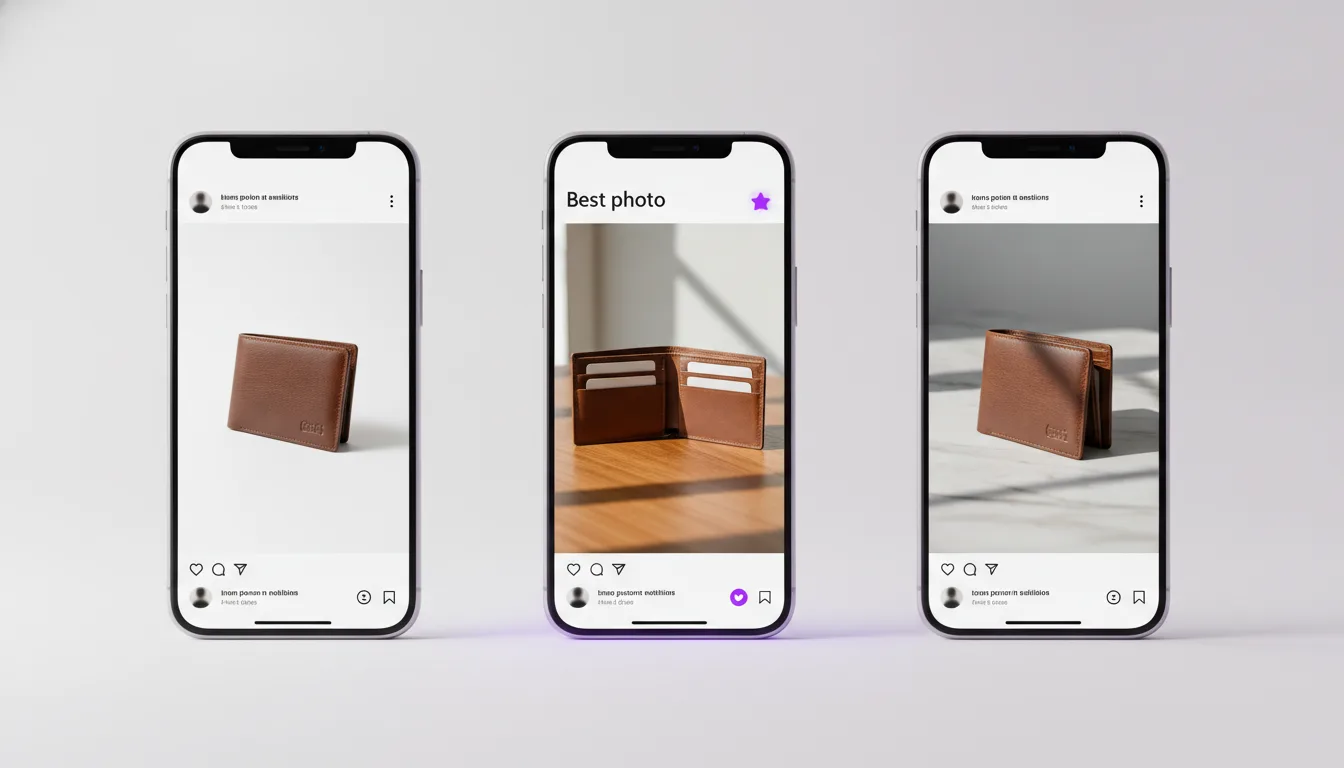
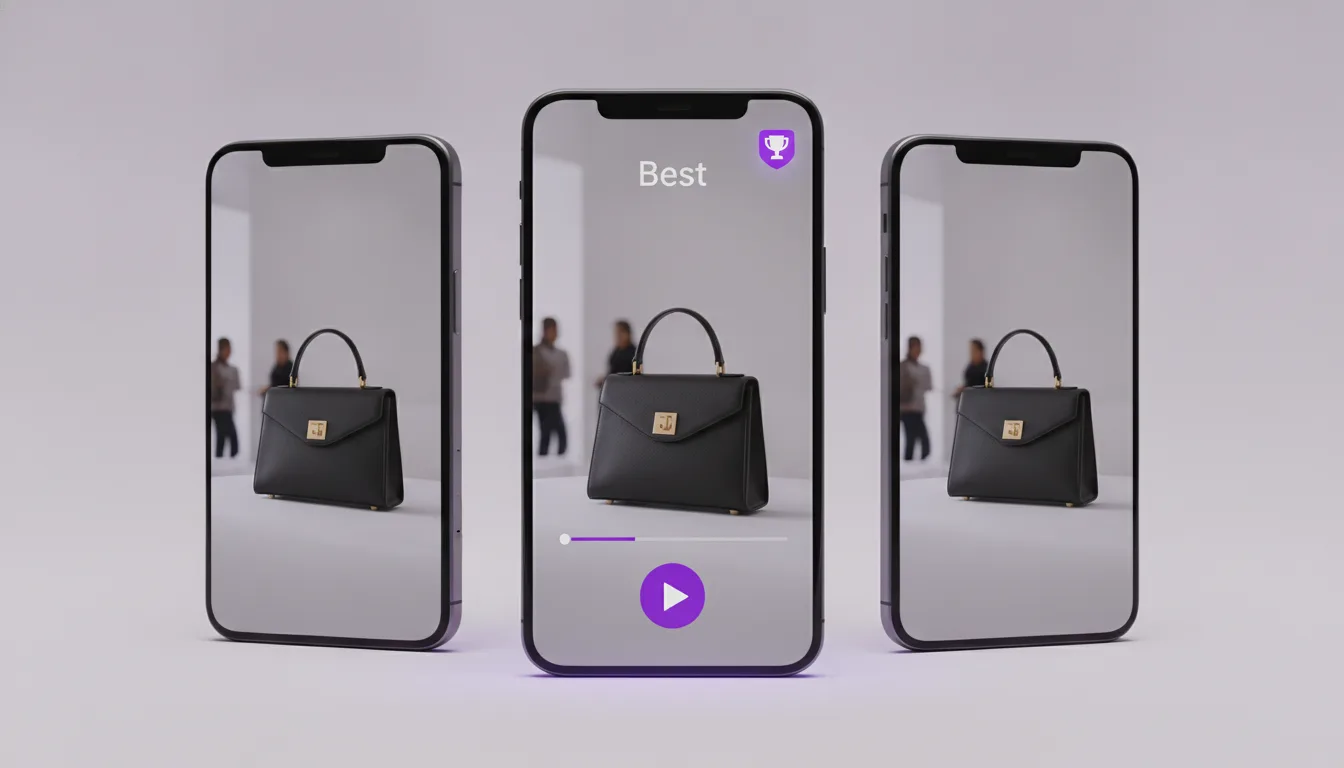
Veo 3 vs Sora 2 for ecommerce video ads comes down to one practical split: Veo 3 makes 8 second clips at up to 1080p with native sound and runs through Google's Gemini API, Vertex AI and Flow, while Sora 2 makes 4, 8 or 12 second clips through the OpenAI API with synchronised audio and is stronger at short scenes with people talking. For product hero shots and clean packshot motion, start with Veo 3. For UGC style scenes with dialogue and longer single takes, start with Sora 2.
Key Takeaways
- Veo 3 generates 8 second clips with audio in 16:9 or 9:16, at 720p or 1080p through the Gemini API, which suits product motion and polished brand shots.
- Sora 2 generates 4, 8 or 12 second clips through the OpenAI API, with a Pro tier for higher resolution, and handles spoken lines and human scenes well.
- Neither model reproduces your exact product label reliably from text alone, so both need a reference image, a tight prompt and a cleanup pass before the clip runs as an ad.
If you would rather skip the testing, Adsome picks the model and makes the ads.
What is Veo 3 and what is Sora 2?
Veo 3 is Google DeepMind's video generation model, announced at Google I/O in May 2025, that produces video and matching audio (dialogue, sound effects and ambience) from a text prompt or a starting image. Google has since released Veo 3.1, which adds more control over reference images, first and last frames and scene extension in Flow.
Sora 2 is OpenAI's second generation video model, released on 30 September 2025, that produces video with synchronised dialogue and sound effects. It is available in the Sora app and, since October 2025, through the OpenAI API as two models, sora-2 and sora-2-pro.
An ecommerce video ad, for this comparison, is a short vertical or square clip that shows a product and is built to run in Meta, TikTok or YouTube Shorts placements. That use case matters more than general video quality, because a beautiful clip that bends the bottle or misspells the label is useless as an ad.
How we compared
- Official documentation only. Every number in the table comes from Google's Gemini API video docs and OpenAI's video generation guide, not from third party reviews.
- API access, not consumer apps. We compared what a brand or studio gets when it calls the models programmatically, because that is how ads get produced at volume.
- Ad criteria first. We weighted clip length, aspect ratio, resolution, audio, image input and watermarking, the things that decide whether a clip can go straight into an ad account.
- No invented scores. We do not publish quality ratings from a handful of prompts. Where quality differs, we describe the mechanism and tell you how to test it on your own product.
How do Veo 3 and Sora 2 compare on specs?
| Criterion | Veo 3 (Gemini API) | Sora 2 (OpenAI API) |
|---|---|---|
| Clip length per generation | 8 seconds | 4, 8 or 12 seconds |
| Aspect ratios | 16:9 and 9:16 | 720x1280 (vertical) and 1280x720 (horizontal) |
| Maximum resolution | 1080p | 720p on sora-2, up to 1792x1024 on sora-2-pro |
| Native audio | Yes, dialogue, effects and ambience | Yes, synchronised dialogue and effects |
| Image input | Yes, starting image | Yes, reference image used as the first frame |
| Provenance marking | SynthID invisible watermark | C2PA metadata, plus a visible watermark on Sora app downloads |
| Where you access it | Gemini API, Vertex AI, Flow, Gemini app | OpenAI API, Sora app |
| Billing model | Per second of generated video | Per second of generated video |
Prices change often, so check the Gemini API pricing page and the OpenAI API pricing page before you budget. Both bill by the second, and both charge more for the higher quality tier (Veo 3 against Veo 3 Fast, sora-2-pro against sora-2).
Which model handles product shots better?
Product shots are where most ecommerce budgets go: the bottle rotating on a plinth, the trainer landing on wet tarmac, the serum dropping onto skin. Three things decide whether a clip is usable.
- Shape stability. The product must keep its silhouette through the whole clip. Both models drift on reflective and transparent objects, so glass, chrome and clear plastic need the most retakes.
- Label and text. Neither model is a reliable typesetter. Small print, ingredient lists and logos warp or turn into near-letters, which is why we add packaging text in post rather than in the prompt.
- Lighting control. Veo 3 responds well to lighting and lens language in the prompt (softbox from left, 85mm, shallow depth of field), which helps when you need a clip to sit next to existing studio photography.
The practical answer is to feed both models a clean product image as the starting frame. Our guide to AI video generation from a product image covers how to prepare that image so the model has less to invent.
Which model handles people, UGC and dialogue better?
UGC style ads, where a person talks to camera about the product, are the second big ecommerce format. Sora 2 was launched with a clear focus on physically plausible motion and synchronised speech, and the 12 second option gives room for a hook, a claim and a call to action in one take.
Veo 3 also generates dialogue with lip sync, along with ambience and room tone, so it is a real option for talking scenes too. Our Veo 3 audio generation tutorial goes through prompting voice, effects and music separately.
One caution applies to both models when people are involved. OpenAI's video guide lists restrictions on input images and on generating real people, and the Gemini API documents a person generation setting with regional limits that include Europe and the UK. Check both before planning a creator style shoot.
What does each model cost for an ad campaign?
Both models charge per second of output, so cost scales with how many seconds you generate, not how many you keep. That distinction is what blows budgets. If you need ten usable 8 second clips and your keep rate on a tricky product is one in four, you are paying for forty clips, or 320 seconds of generation.
A simple way to estimate before you start:
- Decide the number of finished clips the campaign needs.
- Multiply by clip length in seconds.
- Divide by your expected keep rate (test this on 5 to 10 prompts first).
- Multiply by the current per second rate for the tier you will use.
Run the draft rounds on the cheaper tier (Veo 3 Fast or sora-2) and only move to the higher tier for the shots you have already locked. If you want to see how creative cost sits against return, our explainer on break even ROAS shows how to work out what a clip needs to earn.
Our test protocol for choosing between them
This is Adsome's own method, not a published benchmark. When a brief could go either way, we run the same three shots through both models before committing a budget:
- The hero shot. One clean product motion shot from a starting image, to check shape and label stability.
- The human shot. One hand or person interacting with the product, to check fingers, grip and scale.
- The spoken line. One 6 to 8 second line of dialogue, to check lip sync and whether the voice fits the brand.
We judge each clip on one question: could it go into the ad account after normal editing, without anyone noticing it is broken? Whichever model wins two of the three gets the production run. Adsome is a film and ad production studio in Stockholm that makes AI-produced ad creative for brands that spend on paid social, and this protocol is how we settle the model question on the actual product rather than in the abstract.
Which fits your situation?
- Beauty, skincare and fragrance brands with glossy packaging should start with Veo 3 at 1080p for hero shots, and add text overlays in post.
- Fashion and apparel brands that need models wearing the product should test both, paying close attention to the person generation rules in your region.
- Brands built on creator style ads should start with Sora 2, using the 12 second option for single take scripts.
- Teams already on Google Cloud will find Veo 3 on Vertex AI easier to fit into existing billing and access controls.
- Teams already on the OpenAI API for copy or images can add Sora 2 without a new vendor.
If you want both side by side, our wider Veo 3 vs Sora 2 vs Kling 3.0 comparison adds a third option for product motion.
Common Mistakes
- Prompting the label. Asking either model to write your brand name on the pack produces near-letters. Leave it blank and add the real logo in post.
- Generating at the top tier from the start. Drafts on the Pro or full tier cost more per second for clips you will throw away.
- Ignoring the first frame. A low resolution or cluttered starting image gives the model room to invent, and the product drifts.
- Cutting an 8 second clip into a 15 second ad without planning. Plan the edit first, then generate the shots it needs.
- Skipping the policy check. Synthetic people, health claims and before and after visuals all carry platform rules that apply whatever model made the clip.
Not sure which model fits your brief and budget? Adsome picks the model and makes the ads.