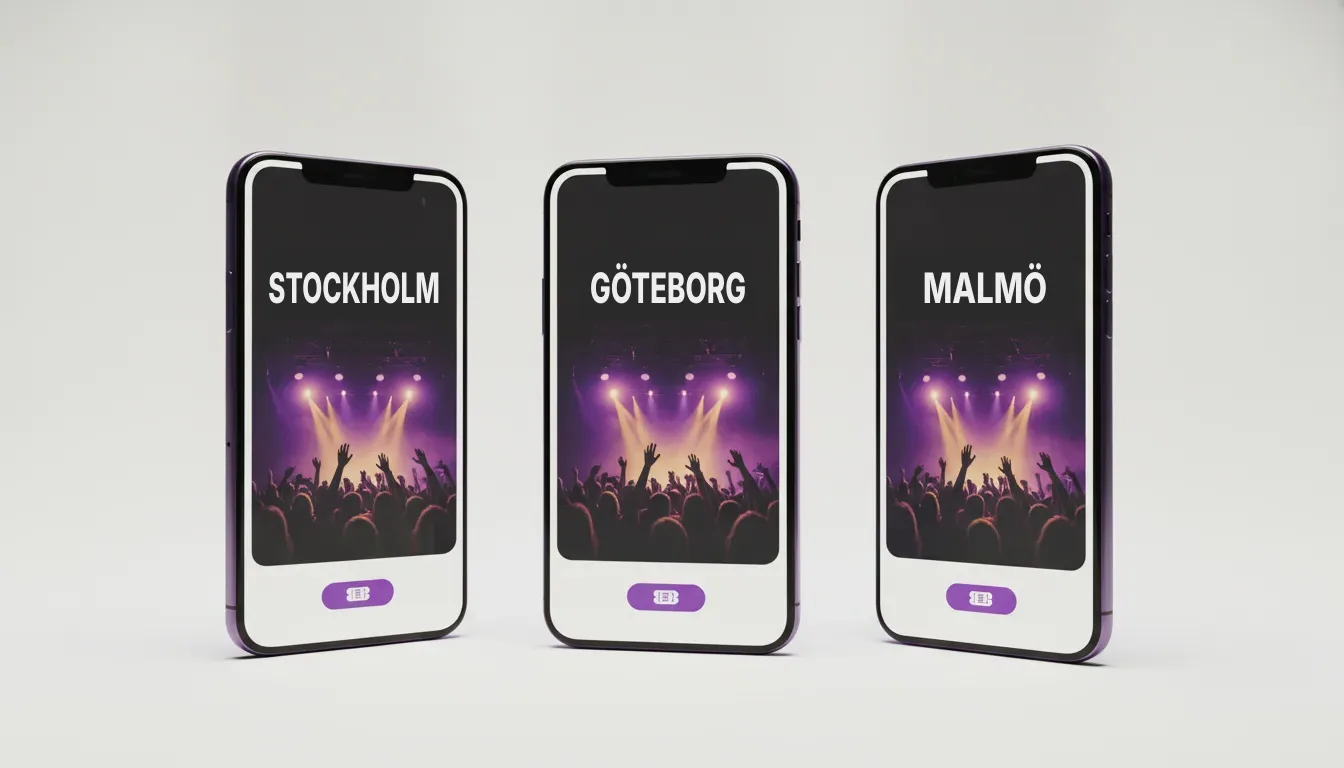
To promote an event with paid social, you put the event in front of people who live within travelling distance of the venue on Facebook and Instagram, send them straight to the ticket page, and measure ticket sales with the Meta Pixel so you can move money to the ads that sell. In practice that means four things done in order: tracking on the ticket page, two or three strong ads made from material you already have, a budget worked back from what the show needs to earn, and a campaign that starts at announcement and gets louder in the final weeks.
Key Takeaways
- Set up the Meta Pixel (and ideally the Conversions API) on your ticket page before you spend anything, or you will never know which ads sold tickets.
- Most of the result comes from the ad itself: a short video or a clear poster that tells people who, where, when and how to buy.
- Spend is set per show date and worked back from capacity and ticket price, then shifted towards the dates and ads that are selling.
If you are planning a run of dates and want it handled from film to ads, see how Adsome runs tour campaigns.
What is paid social for events?
Paid social is advertising you pay for on social platforms, mainly Facebook and Instagram (both run through Meta's ad system) and to a lesser extent TikTok and YouTube. For an event it has one job: sell tickets to a specific show, in a specific city, before a specific date.
A campaign is what you set up in Meta Ads Manager, the tool where you build and pay for ads: who sees them, how much you spend and which ads run. Meta then shows the ads to the people it predicts are most likely to buy a ticket.
What you need in place before you spend anything
Before the first ad goes live, work through this list:
- Get access to your ticket page. You need to know whether you, the venue or the ticketing company controls it, and whether you can add tracking to it.
- Install the Meta Pixel. The Meta Pixel is a small piece of code on a website that tells Meta when someone views a page or completes a purchase. Many ticketing platforms have a field where you paste your pixel ID; ask yours if you cannot find it.
- Add the Conversions API if you can. The Conversions API is a way of sending purchase data from the ticketing system's server to Meta directly, so sales still get counted when a browser blocks tracking.
- Check that a test purchase shows up as a purchase in Meta Events Manager, the part of Meta where tracking is monitored.
- Gather your material: the poster, press photos, any live footage, the trailer if there is one, and the exact on-sale date and ticket link for every show.
- Write down the target for each date: capacity, ticket price and how many tickets are already sold.
How to promote an event with paid social, step by step
Each step below is a principle; the detail inside each one is where experience counts.
- Decide what the campaign is for. For almost every show the goal in Meta should be sales (purchases on the ticket page), not likes, views or link clicks.
- Make two or three ads that each answer who, what, where, when and how to buy within the first few seconds.
- Set the area. Target the city and the region people realistically travel from for this kind of show, which is wider for a big name in a smaller town and tighter for a club gig in a capital.
- Set the budget per show date, not for the tour as a whole, so a strong city cannot quietly eat the money a weak one needs.
- Launch at announcement or on-sale, when interest is highest and the existing fans buy.
- Add retargeting. Retargeting means showing ads again to people who already visited the ticket page or watched your video but did not buy.
- Check results every few days, move money towards the dates and ads that are selling, and switch off what is not.
- Increase pressure in the final two to three weeks, when the undecided buyers make up their minds.
Our full guide to selling concert tickets with Facebook ads goes deeper on each of these stages.
Which ad works best for an event?
The ad does most of the work. Here is how the usual formats compare, using the shapes listed in Meta's ads guide.
| Ad type | What you need | Shape to deliver | Where it is strongest |
|---|---|---|---|
| Poster or static image | The poster or a press photo plus date, city and venue | 1:1 or 4:5 in feeds, 9:16 for Stories and Reels | Announcement and a clear "last tickets" message |
| Short trailer video | 15 to 30 seconds cut from music, photos and footage | 4:5 in feeds, 9:16 for Stories and Reels | Building interest with people who do not know the show yet |
| Live footage | Real audience and stage footage from earlier shows | 9:16 vertical | Proving the night is worth the money, especially for older audiences |
| Carousel | Several images or dates side by side | 1:1 | A tour with several cities in one region |
Put the city and date in the image or the first seconds of the video, because many people watch without sound, and keep one message per ad. If you have no footage, our article on what to film at a concert so the video sells the next show explains what to capture next time.
Who should see your event ads?
Think of the audience in three groups:
- People near the venue who might like this show. Meta's broad targeting, where you set the area and age and let the system find buyers, often works well here once the pixel has purchase data to learn from.
- People who already know the artist. Followers of the artist's page and people who engaged with earlier posts are the cheapest tickets you will sell.
- People who nearly bought. Ticket page visitors and video viewers who did not buy are your retargeting audience, and they matter most close to the show.
For legacy acts, theatre and many touring shows, many buyers are over 40 and still use Facebook heavily, so do not let a narrow age setting shut them out.
Exactly how these groups are combined, excluded and weighted against each other changes from show to show, and getting it right is the part that takes experience.
How much should you spend on paid social per event?
Work the budget backwards from what the show has to earn, not from a round number. A simple way to set a ceiling:
- Take the tickets still to sell for the date.
- Multiply by the ticket price to get the revenue still on the table.
- Decide what share of that revenue you can afford to spend on ads and still make the margin you need.
A worked example: a 900-seat venue with 400 tickets sold has 500 left. At €45 a ticket (about $49) that is €22,500 (about $24,500) still to earn. If the show can afford to spend 10 % of that on ads, the ceiling for that date is €2,250 (about $2,450). Your own numbers will differ; the point is that every date gets its own ceiling.
Then measure return on ad spend, which is ticket revenue from ads divided by what the ads cost. Our guide to return on ad spend for tours shows how to read it per date.
When should you start promoting an event?
Start paid social at the announcement or the on-sale, and plan for most of the effort to go into two windows: the first week of sales and the final few weeks before the show. In between, keep a lower level running so the show stays visible.
Where Google and YouTube fit next to Facebook and Instagram
Facebook and Instagram reach people who were not looking for the show. Google search ads catch people already typing the artist's name plus "tickets", and YouTube is a good home for the trailer. For most shows Meta carries the bulk of the budget, with Google search alongside so searchers do not land on a reseller first. Our plain guide to Google Ads for concerts and tours covers the setup.
How to see which ads sold tickets
Once the pixel works, Ads Manager reports purchases and purchase value next to each ad. Look at three numbers per show date: cost per ticket sold, return on ad spend, and how many tickets are left. Compare ads within the same date, because a big city and a small town will never cost the same per ticket. Meta's figures will not match the box office exactly, so check the trend against your ticket counts each week.
What we see in our own work for touring productions
Adsome is a Stockholm film and ad studio that makes the film and images and runs the Meta advertising for touring productions, for artists such as Smokie, Galenskaparna, Christer Sjögren, Robert Wells and Magnus Carlsson. Across that work, our own observation is that the material a tour already has, the poster, press photos and earlier live footage, can carry a whole campaign when it is cut for each format and each stage of sales. The tours that struggle are rarely short of ideas; they tend to start late, run one ad everywhere, or cannot see which ads sold tickets.
Which approach fits your situation?
- A single show or a first event. Keep it simple: tracking, two ads, one city, and a budget ceiling for the date.
- A tour of five to twenty dates. Set a budget per date and watch each city separately; weak dates need attention early, not in the last week.
- A legacy act or theatre production. Lean on Facebook, longer live footage and clear practical information, and make sure the age setting does not exclude older buyers.
- A show that is already behind. Read our guide to what to do when a concert is not selling tickets before you add more budget.
Common Mistakes
- Launching without working tracking. Without the pixel you cannot tell which ads sold tickets, so you cannot move money to them.
- Optimising for clicks or likes. Meta delivers what you ask for. Ask for engagement and you get people who like posts, not people who buy tickets.
- One budget for the whole tour. Strong cities absorb the spend while the dates that need help get none.
- Leaving out the city and date. An ad that does not say where and when forces people to click to find out, and most will not.
Want your next tour to sell out? Adsome makes the film and images and runs the Facebook, Instagram and Google ads for touring productions.